AI workflow automation is not about adding a chatbot to the business and hoping it saves time. For UK SMEs, the strongest projects usually connect the tools the team already uses: CRM, inboxes, calendars, forms, spreadsheets, finance systems, documents, and reporting dashboards.
The aim is simple: make repeatable work happen faster, with cleaner data, fewer missed handoffs, and human approval where the decision matters. This guide explains practical examples, typical costs, implementation steps, and how to decide whether a workflow is ready to automate.
If you want hands-on help, Elevate AI offers workflow automation consulting for UK SMEs, AI automation pricing approach, and practical automation services for CRM, email, onboarding, reporting, and AI agent workflows.
What AI workflow automation means in plain English
A workflow is the path a task follows from trigger to outcome. A new lead arrives, a supplier invoice lands, a client completes a form, a meeting finishes, or a report is due. AI workflow automation connects the steps around that trigger so information moves to the right system, the right person is alerted, and the next action is prepared.
The AI part helps when the input is messy or variable: reading an enquiry, summarising a call, classifying an email, extracting data from a PDF, drafting a reply, or deciding which team should review something. The automation part handles the repeatable movement between tools.
Best first workflows for UK SMEs
The best first workflow is usually frequent, measurable, and painful enough that the team already feels the cost. Good candidates include:
- Lead follow-up: capture enquiries, update the CRM, qualify fit, draft a response, and create a next action.
- Inbox triage: classify incoming emails, route urgent messages, draft replies, and separate customer enquiries from noise.
- CRM updates: create contacts, companies, deals, tasks, notes, and reminders from forms, calls, emails, and meetings.
- Client onboarding: send forms, collect documents, create folders, assign tasks, and track missing information.
- Reporting: pull data from CRMs, ad platforms, spreadsheets, finance systems, and campaign tools into a weekly report.
- Document processing: extract key fields from PDFs, invoices, applications, contracts, or forms, then validate before entry.
For more examples, read our guide to workflow automation examples for UK SMEs. If lead handling is the main leak, start with AI lead follow-up automation.
First workflow by business type
The first workflow should match the business model. These are sensible starting points for common UK SME teams:
| Business type | First workflow to consider | Why it pays back |
|---|---|---|
| Recruitment agency | Candidate or client enquiry capture, CRM update, owner assignment, and interview follow-up. | Faster response, fewer missed candidates, cleaner pipeline records. |
| Professional services firm | New enquiry triage, qualification, booking, onboarding checklist, and document chase. | Less partner admin and a more consistent client experience. |
| Financial services firm | Lead intake, suitability flags, document collection, meeting prep, and human approval steps. | Cleaner handoffs without removing compliance judgement. |
| Ecommerce or retail | Customer service triage, order issue routing, refund approval, and weekly exception reporting. | Lower support drag and clearer escalation for high-value issues. |
| Local service firm | Enquiry capture, quote request triage, booking reminders, invoice chase, and review request. | More booked jobs and fewer admin gaps between enquiry and payment. |
CRM follow-up automation example
A practical sales workflow can connect a website form, shared inbox, CRM, calendar, and weekly report. The workflow captures the lead source, enriches the company record, assigns the owner, drafts a first reply, creates a booking task, and flags unanswered high-intent leads for review.
The useful outcome is not that AI writes a clever message. The useful outcome is that every lead has an owner, source, next action, and follow-up date. For a deeper sales pipeline version, read our guide to CRM automation for UK SMEs.
How to budget for the work
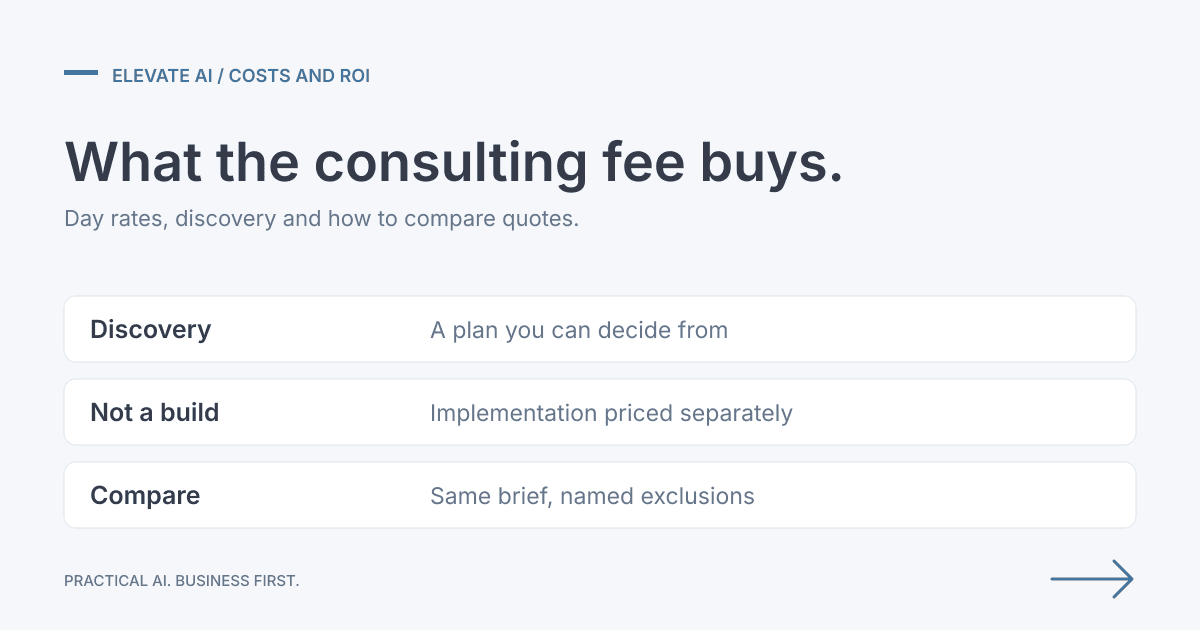
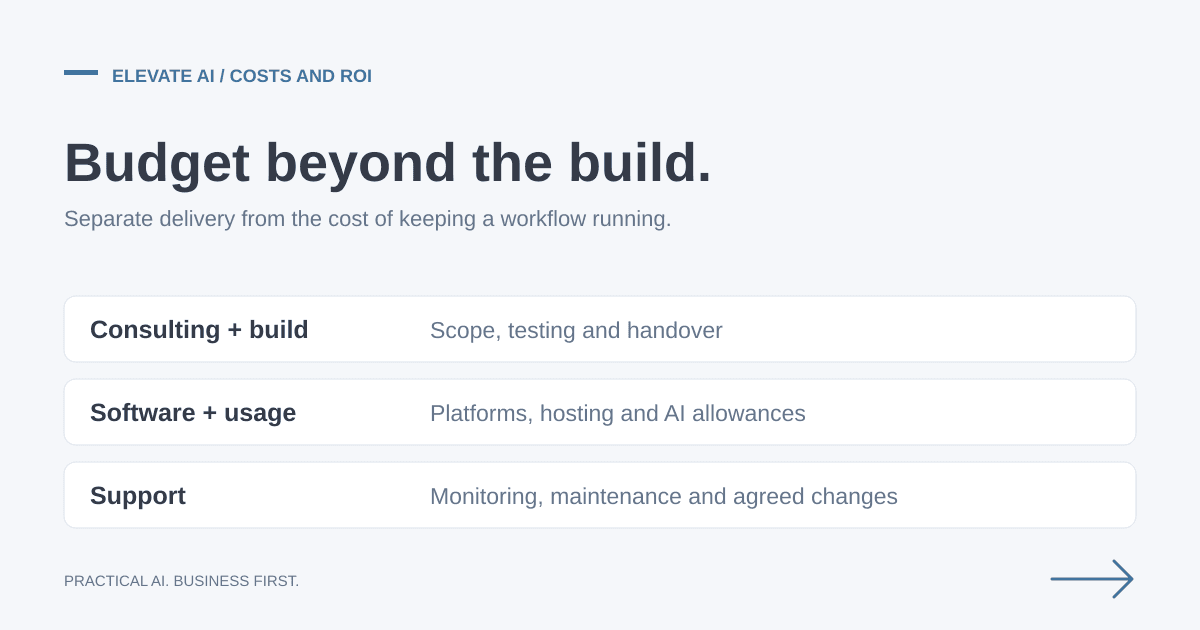
Elevate AI prices consulting around the agreed scope and deliverables, with implementation quoted separately. The managed Outbound Sales Engine has an initial configuration fee and an ongoing monthly service fee. It has a binding initial three-month minimum commitment; service details are set out in the proposal. See how our pricing works; the budget examples in this article are not a current Elevate AI rate card.
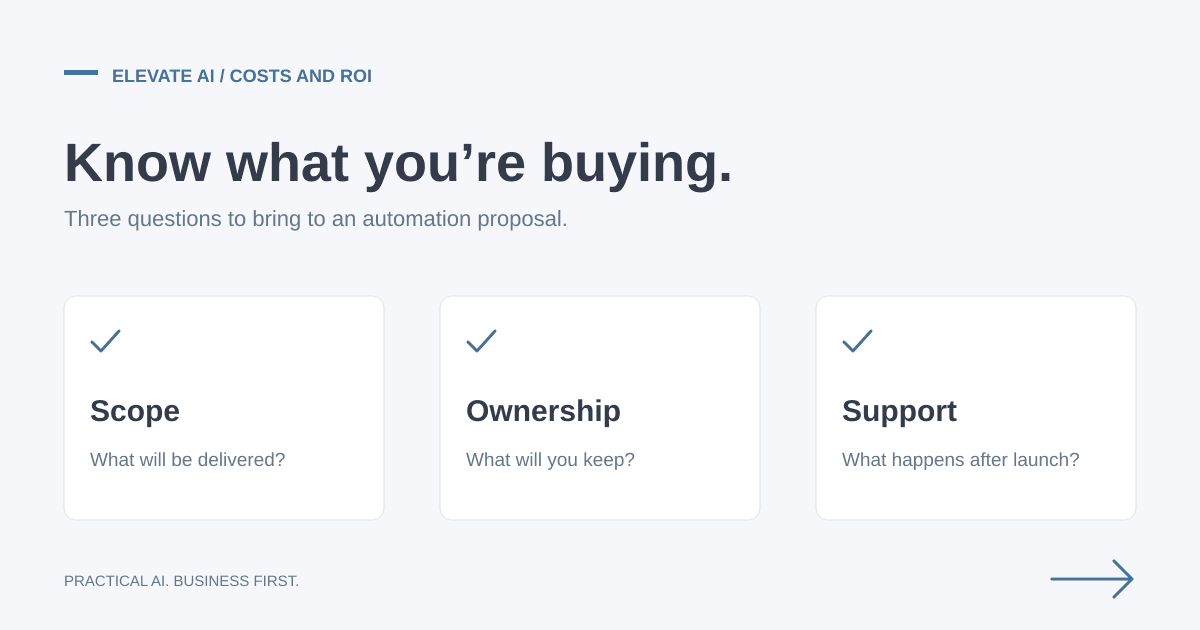
The biggest cost drivers are the number of systems, data quality, exception handling, compliance needs, testing depth, and support requirements. For a deeper breakdown, use our AI automation pricing guide and quote comparison checklist.
Implementation steps
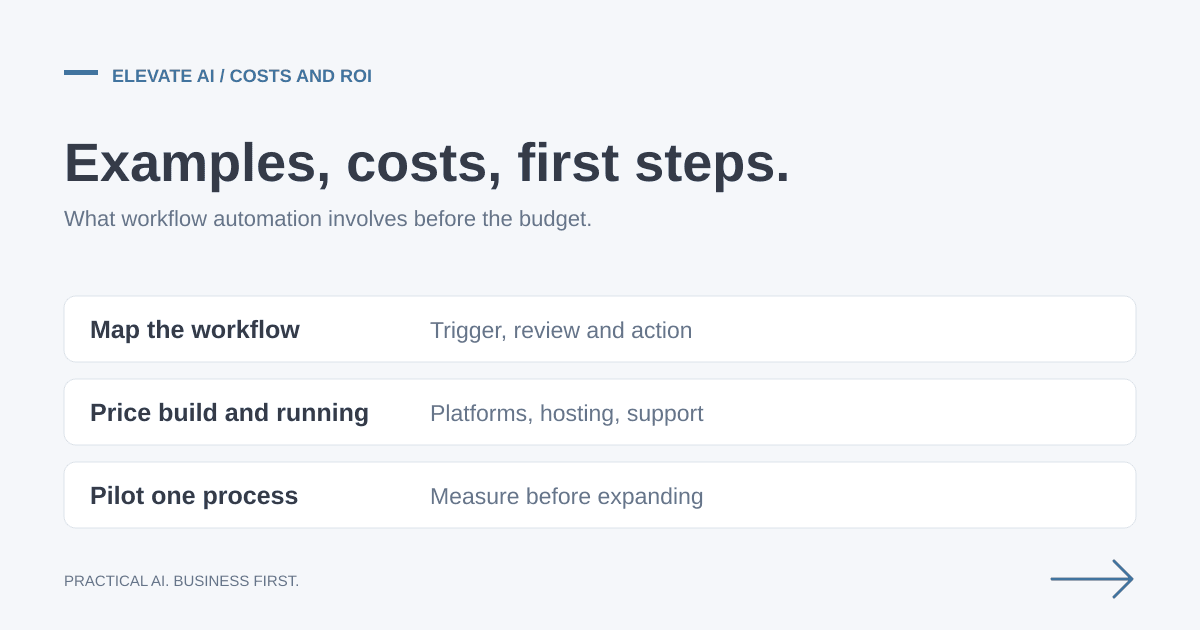
- Map the current workflow: triggers, systems, handoffs, exceptions, approvals, and current time cost.
- Choose one measurable outcome: response time, admin hours saved, CRM completeness, reporting speed, or fewer errors.
- Design the safe version: decide what AI can draft, what it can update, and where a human must approve.
- Build a pilot: connect the minimum systems needed to prove the workflow without overbuilding.
- Test real examples: include edge cases, bad data, duplicates, missing fields, and sensitive messages.
- Launch with monitoring: track failures, review outputs, gather team feedback, and improve the workflow before scaling.
Tools and integrations
Most SME workflows can be built around existing tools: HubSpot, Pipedrive, Salesforce, Gmail, Outlook, Google Workspace, Microsoft 365, Xero, QuickBooks, Airtable, Sheets, Slack, Teams, Calendly, Cal.com, Make, Zapier, n8n, and approved AI APIs.
Do not choose tools first. Choose the workflow first, then select the simplest stack that connects your existing systems safely.
Human approval, GDPR, and audit logs
AI workflow automation should not remove judgement where judgement is the point. Keep human approval for customer-facing messages, pricing, regulated decisions, financial changes, sensitive personal data, and anything that could create legal or reputational risk.
For GDPR-conscious delivery, document what data is processed, why it is needed, where it is stored, who can access it, how logs are retained, and whether AI providers process data externally. Our GDPR and AI guide covers the practical controls in more detail.
How to measure ROI
Before build, measure the current baseline. Useful metrics include weekly admin hours, average response time, CRM completeness, number of missed follow-ups, report preparation time, error rate, and volume handled per person.
After launch, compare the same numbers over 30 to 90 days. A good pilot should show a credible path to payback before you expand it into a wider automation programme.
When not to automate
Do not automate a process that is not understood, rarely happens, changes every time, or depends heavily on human judgement. Fix the workflow first. Automation makes good processes faster, but it can also make messy processes messier.
Next step
To discuss the workflows you want to improve, explore our AI Consulting engagement or book a free scoping call. The call establishes fit and scope. Detailed discovery, opportunity analysis and a costed roadmap are paid deliverables; implementation is agreed separately.