Most UK SMEs do not lose leads because nobody cares. They lose them because follow-up lives in too many places: a website form, a shared inbox, a CRM, a calendar, a spreadsheet, a LinkedIn conversation, and someone's memory.
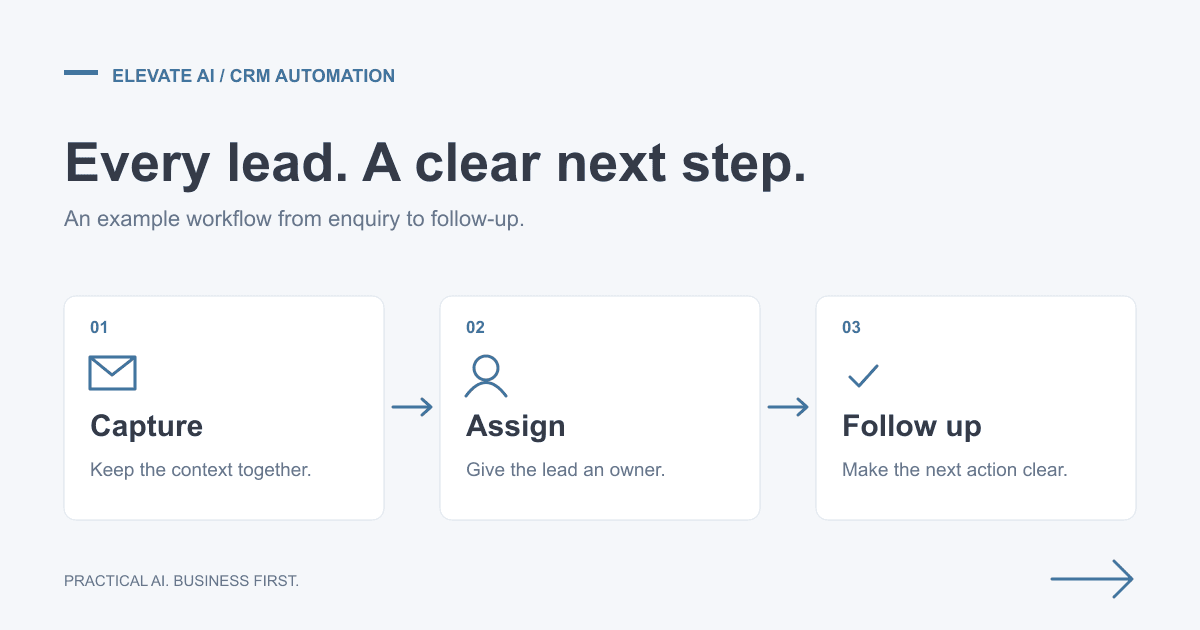
AI lead follow-up automation fixes that by turning every new enquiry into a clear workflow. The lead is captured, enriched, routed, followed up, booked, and tracked without relying on manual admin at every step. The goal is not to replace your sales team. It is to make sure good opportunities are handled quickly and consistently.
This guide explains how UK SMEs can automate lead follow-up safely using CRM, email, booking, and AI workflows. If you want help scoping a workflow like this, Elevate AI offers workflow automation consulting, AI automation agency support for UK SMEs, and transparent AI automation pricing.
Why slow follow-up costs sales
When someone fills in a form, replies to a campaign, books a call, or asks a question, they are usually comparing options. The business that responds clearly and quickly often wins the conversation before competitors have even opened the email.
The problem is that follow-up is rarely one task. Someone has to read the enquiry, understand the need, check whether the company is a fit, update the CRM, decide who owns it, write a reply, send a booking link, create reminders, and remember to chase if there is no response.
That is exactly the kind of repeatable workflow that should not depend on memory or manual copying.
What a good lead follow-up workflow includes
A practical AI lead follow-up workflow usually has seven parts:
- Capture: collect leads from website forms, inboxes, LinkedIn, ads, referrals, booking tools, and campaign replies.
- Clean-up: standardise the contact name, company, email, phone number, source, and message.
- Qualification: assess fit using criteria such as company type, problem, urgency, location, budget signal, and service need.
- CRM update: create or update the contact, company, deal, source, owner, stage, and next action.
- Draft response: prepare a useful reply with the right tone, next step, and booking link.
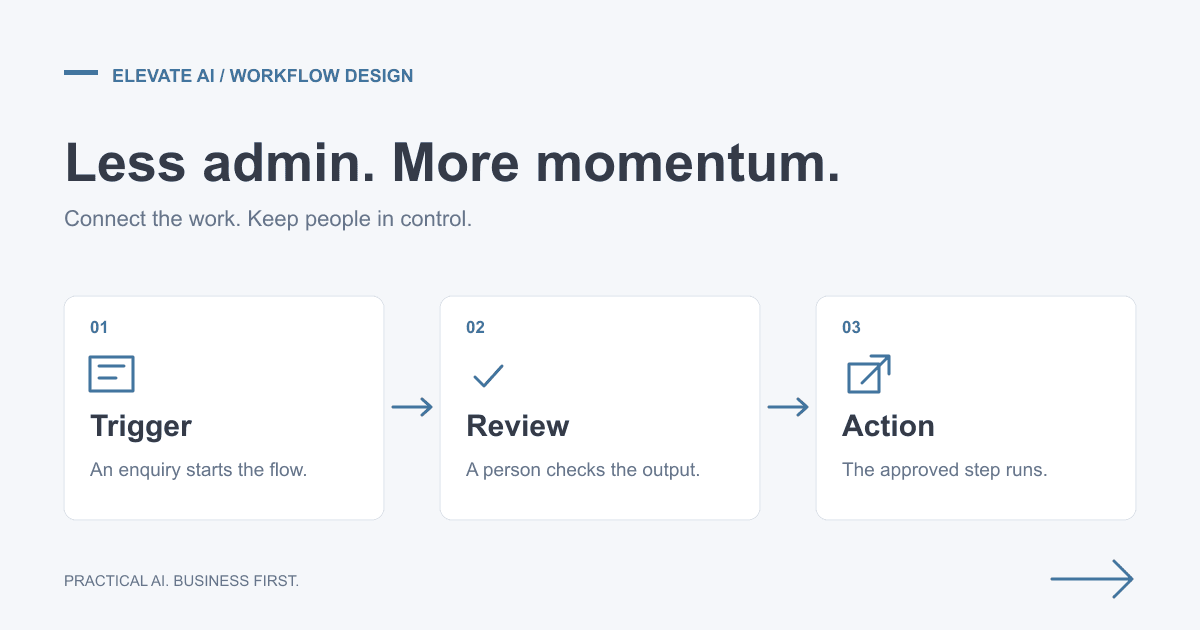
- Human approval: keep a person in control before anything sensitive or bespoke is sent.
- Chase and report: remind the owner, trigger follow-ups, and report which leads are moving or stuck.
The CRM fields to define first
Before adding AI, define what a clean lead record should look like. Automation works best when the CRM has clear fields rather than messy notes.
Useful fields include:
- lead source and campaign;
- company name, website, size, location, and sector;
- problem described by the prospect;
- service interest, such as AI agents, workflow automation, CRM automation, or lead generation;
- urgency and buying stage;
- estimated fit score;
- owner and next action;
- last follow-up date and next follow-up date.
If those fields are clear, an AI workflow can help populate them consistently. If they are unclear, automation will simply make the mess move faster.
Email triage and draft responses
Email is often where lead follow-up breaks. A shared inbox receives enquiries, supplier messages, newsletters, receipts, support questions, and cold pitches in the same place. Important leads get buried.
An AI-assisted workflow can classify incoming messages, identify potential leads, extract context, update the CRM, and draft a reply. The draft can include a short acknowledgement, a relevant next question, and a booking link. A human can then approve, edit, or reject the draft.
This is especially useful for small teams because it reduces the delay between receiving an enquiry and sending a useful response. It also creates a record in the CRM instead of leaving the conversation trapped in someone's inbox.
Booking workflows and no-show reduction
Once a lead is qualified, the workflow should make booking easy. That can include sending the right calendar link, checking availability, adding the meeting to the CRM, sending reminders, and creating a pre-call note for the owner.
For higher-value enquiries, the automation can prepare a short briefing before the call: who the prospect is, what they asked about, likely use case, current CRM notes, and suggested discovery questions.
After the call, the workflow can create follow-up tasks, draft a recap email, and move the deal to the right stage. This is where lead follow-up automation becomes pipeline hygiene, not just faster replies.
CRM follow-up examples
Good lead automation should create a visible sales trail, not just send an email. Practical examples include:
| Trigger | Automation action | Sales outcome |
|---|---|---|
| Website form enquiry | Create or update contact, company, deal, source, owner, task, and first response draft. | Every lead has a record, owner, and next action. |
| Campaign or LinkedIn reply | Classify buying intent, attach the message to CRM, alert the owner, and suggest a response. | Positive replies do not get buried in inboxes. |
| Discovery call completed | Summarise notes, update deal stage, create tasks, and draft the follow-up email. | Next steps are agreed and tracked quickly. |
| No reply after proposal | Trigger a reminder, draft a useful chase, and flag stale deals in the weekly report. | Pipeline reviews focus on real stuck opportunities. |
If CRM quality is the wider issue, read the dedicated guide to CRM automation for UK SMEs.
Where human approval matters
Not every step should be fully automated. Keep human approval for:
- bespoke pricing or proposal promises;
- disqualifying a potentially valuable lead;
- regulated or sensitive industries;
- anything involving personal data beyond basic enquiry handling;
- messages that could create legal, financial, or reputational risk.
A good workflow makes the human faster and better informed. It should not remove judgement where judgement is the point.
GDPR and data protection controls
Lead follow-up often involves personal data, so UK SMEs need sensible safeguards. At minimum, document what data is collected, why it is needed, where it is stored, who can access it, how long it is kept, and whether any AI provider processes it externally.
Useful controls include data minimisation, role-based access, audit logs, human approval for sensitive outputs, clear retention rules, and supplier checks. For a deeper checklist, read our guide to GDPR and AI for UK businesses.
A 30-day pilot plan
The safest way to start is a focused pilot rather than a huge sales automation programme. Here is a practical 30-day plan:
Week 1: map the workflow
Choose one lead source, such as website enquiries or campaign replies. Map what happens from enquiry to booked call. Identify every manual handoff, delay, missing field, and repeated message.
Week 2: build the first version
Connect the lead source, CRM, email, and booking tool. Create the fields, routing logic, draft response templates, and human approval step.
Week 3: test with real examples
Run historic and live leads through the workflow. Check CRM accuracy, tone of draft responses, routing quality, booking flow, and edge cases.
Week 4: launch and measure
Track response time, booked calls, CRM completeness, follow-up consistency, and manual time saved. Use the results to decide whether to expand to other lead sources.
What to measure
Do not judge the pilot by whether the automation looks clever. Judge it by commercial outcomes:
- average response time;
- percentage of leads with complete CRM records;
- number of booked calls;
- number of leads with a clear next action;
- admin time saved each week;
- reduction in missed or forgotten follow-ups.
Tools that can support the workflow
The right stack depends on your current systems. Common tools include HubSpot, Pipedrive, Salesforce, Gmail, Outlook, Google Calendar, Calendly, Cal.com, Make, Zapier, n8n, Airtable, Slack, Teams, and AI models connected through approved APIs.
Do not choose tools first. Choose the workflow first. Then select the simplest stack that connects the systems you already use. Our workflow automation consulting process starts with the workflow map before recommending platforms.
When to bring in help
You can build simple lead follow-up automation yourself if the workflow is low-risk and your team understands the tools. Bring in help when the workflow touches multiple systems, affects revenue, uses sensitive data, or needs reliable handover and support.
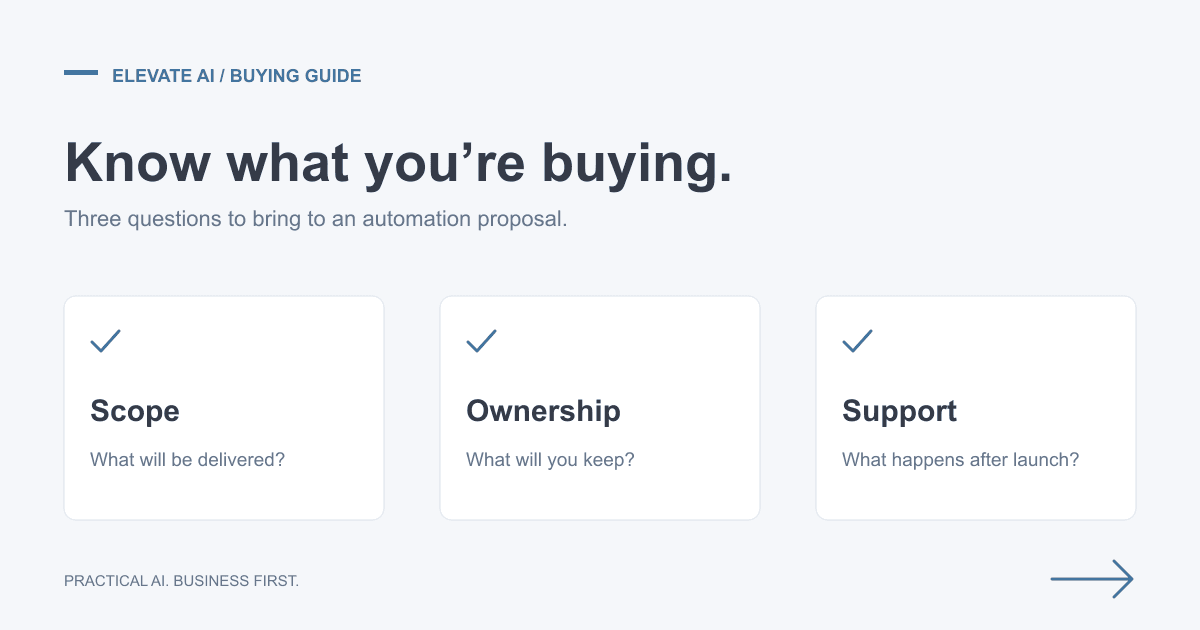
An experienced automation partner should help you define the workflow, protect the CRM, test edge cases, write safe AI prompts, document the setup, train your team, and monitor the first launch. If you are comparing routes, read our guide to choosing between a workflow automation consultant, agency, and DIY build.
Final recommendation
If your sales process relies on someone remembering to follow up, it is ready for automation. Start with one lead source, one CRM workflow, and one measurable outcome. Prove it, then expand.
To discuss your business priorities, explore our AI Consulting engagement or book a free scoping call. The call establishes fit and scope. Detailed discovery, opportunity analysis and a costed roadmap are paid deliverables; implementation is agreed separately.