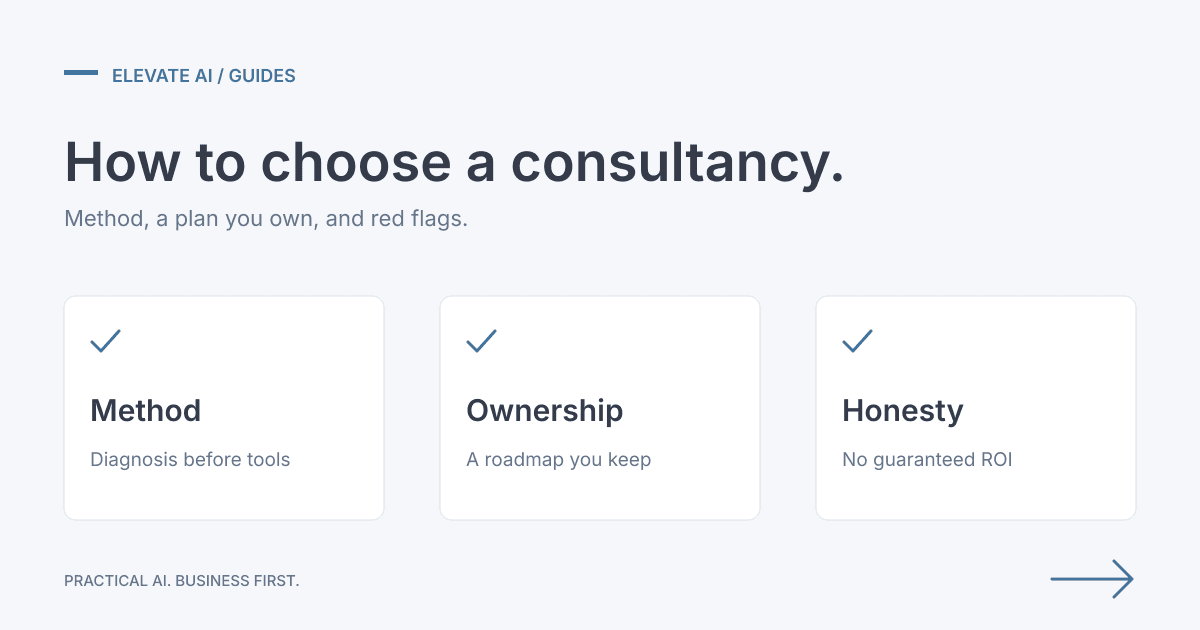
Direct answer: Stop treating every copied quote, job and order as a software project. Write down where the same details are typed again, how often that happens, and where a person must still approve the result. Fix the highest-frequency, highest-error step first. A setting or a process change may be enough. If it is not, paid AI Consulting produces a prioritised, costed roadmap you own. Implementation is scoped and charged separately.
Where does the copying happen?
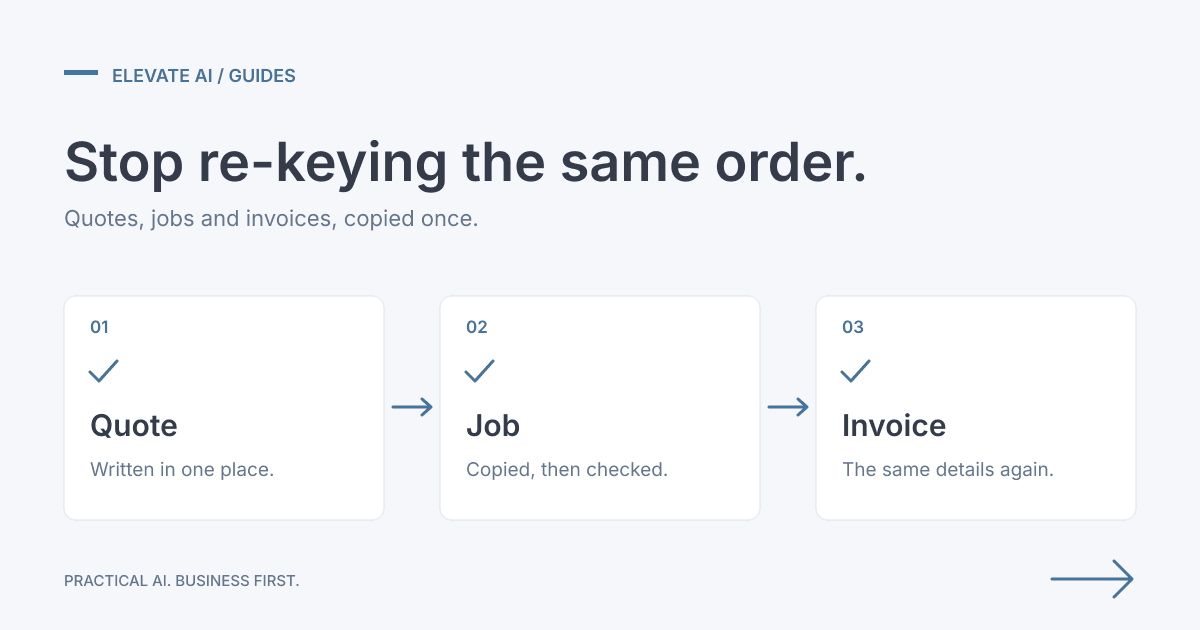
In UK trades and operations businesses the same record often moves through three moments:
- Quote. A price and a specification are written in an email, a spreadsheet or a quoting tool.
- Job or order. Someone retypes the accepted details into a job system, a supplier order or a delivery note.
- Invoice. The same details are typed again so accounts can bill. We work with the systems you already use, such as Sage, Xero, QuickBooks and Excel, and common job management tools such as Tradify.
Electrical, plumbing, M&E and FM firms often see this as a phone or email request that is retyped into the job system and then into invoicing. Glazing, building products and flooring firms often see it when an accepted quote has to be copied into supplier orders and accounts. Wholesale and operations teams often see orders and delivery notes keyed into more than one system. Workflow automation consulting for quotes, jobs and orders is the page that describes that discovery.
What does the copying cost?
Use your own hours. Count how many quotes, jobs or orders are copied in a normal week, and how many minutes each copy takes. Multiply the two. That product is a baseline for a conversation. It is not a published industry average, and it is not a saving until you measure the same work after a change.
Illustrative arithmetic only: 8 copies a day, at 10 minutes each, is 80 minutes before anyone checks the result. Replace 8 and 10 with your own counts. Those figures are not a client result, not a survey, and not a forecast.
What should you fix first?
Rank the repeated steps, do not start with the newest tool:
- Frequency. What is copied every day, not once a quarter?
- Error cost. Where does a wrong quantity, address or price create a credit, a missed delivery or a dispute?
- A safe approval point. Which step must a person still confirm before a job is created or an invoice is sent?
The first change is often the step with high frequency and a clear approver, not the step with the most software involved.
When is a software setting enough?
A setting, an import, or a field you already pay for can be enough when the process is stable and the data is already in one system of record. Consulting helps when nobody can agree which system is the source, when exceptions are handled in inboxes, or when a change would touch invoicing without a named approver. The recommendation may be to use the software you have more fully. It may also be to leave a step manual.
What does a roadmap look like?
For NA Fair, a UK electrical services contractor, discovery followed orders from the inbox through job records, engineer notes and invoicing. Phase 1 order intake is complete, and a person still approves each order. The roadmap identified about 125 hours a month. Those hours are an opportunity identified in the plan, not measured savings.
Studio Flooring, a Solihull flooring supplier, uses a confirmation-first operations assistant that is live. It prepares briefings and waits for a person before important HubSpot or Jobber changes. No measured savings are claimed.
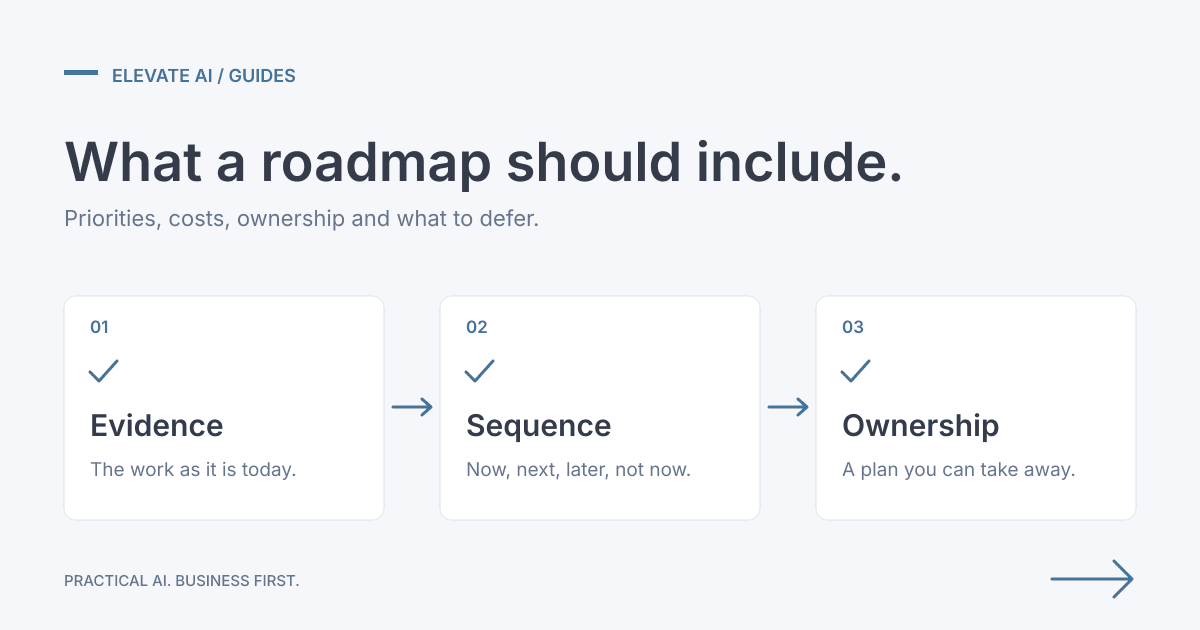
A useful roadmap names the problem, the evidence, the sequence, the dependencies, the indicative cost and what you will not do yet. You can take it to your own team or to another provider.
FAQ
Is re-keying the same as an integration project?
Not always. Sometimes the fix is a setting, a field, or a step the team can stop doing. Consulting finds which of those is true before anyone builds a connection.
Do you need a particular accounts package for this to apply?
No. The problem is copying the same quote, job or order into more than one place. We work with the systems you already use, such as Sage, Xero, QuickBooks and Excel, and common job management tools such as Tradify. Elevate AI does not claim a certification, a partnership or a product capability for any of them.
What do you leave with after consulting?
A free 30-minute scoping call is about fit. It is not paid discovery. Paid consulting uses The Elevate Consulting Methodology and produces a prioritised, costed roadmap you own. Implementation is scoped and charged separately.
Next step
Book a free 30-minute scoping call. The call is about fit. It is not the Discovery stage of paid consulting. If there is a fit, a proposal agrees the fee, scope and timetable before paid work starts. The method is The Elevate Consulting Methodology, and the output is a prioritised, costed roadmap you own.