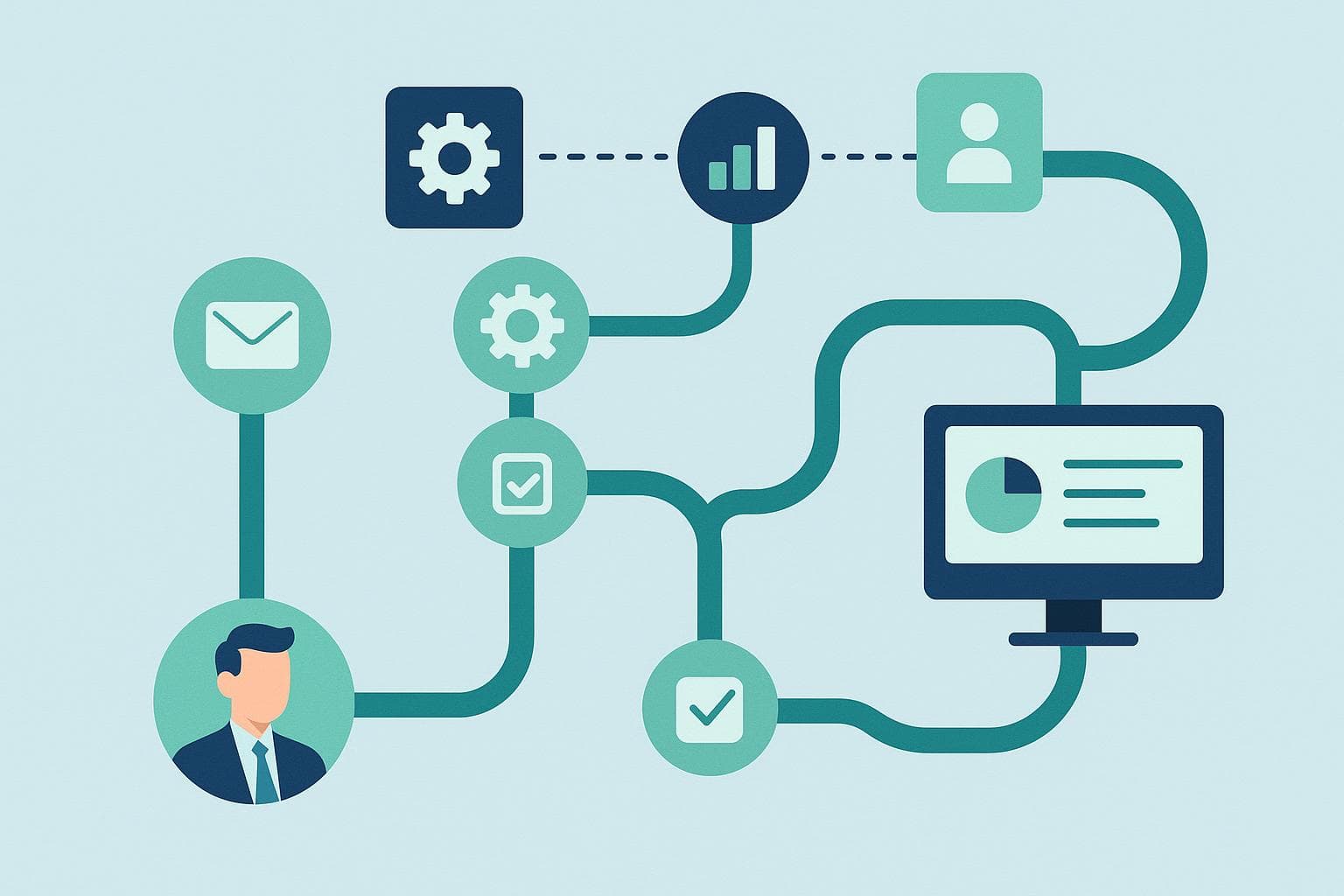
Workflow automation connects tasks and systems so that agreed steps happen consistently: a signed proposal creates a project task, an invoice enters a review queue or a new enquiry reaches the right person. Some work can run unattended; exceptions and decisions still need an owner.
A useful project starts with your workload, not a promise to save 20 hours every week. The following are illustrative workflow designs, not accounts of measured client projects.
Example 1: client onboarding
When an agreement is confirmed, a workflow can check whether the client already exists, create the necessary records and prepare a welcome message. A project owner reviews missing information and any conflict between systems before work proceeds.
Define the system of record, the fields that may be copied and what should happen if one tool is unavailable. Retries must not create duplicate clients or send a welcome message twice. Measure successful completion and rework as well as handling time.
Example 2: invoice processing
A workflow can extract invoice fields, compare them with purchase-order data and prepare an accounting entry. Low-confidence extraction, missing references, duplicate invoices and mismatched amounts should go to a review queue. Payment approval is a separate decision, not an automatic consequence of reading a document.
Illustrative calculation: 200 invoices a month at 10 minutes each require 2,000 minutes. If a pilot reduces average handling time, including exceptions, to 6 minutes, the gross saving is 800 minutes, or 13 hours 20 minutes per month. Deduct monitoring, maintenance and any additional review work. These assumptions must be replaced with your own measured numbers.
Example 3: enquiry routing and follow-up
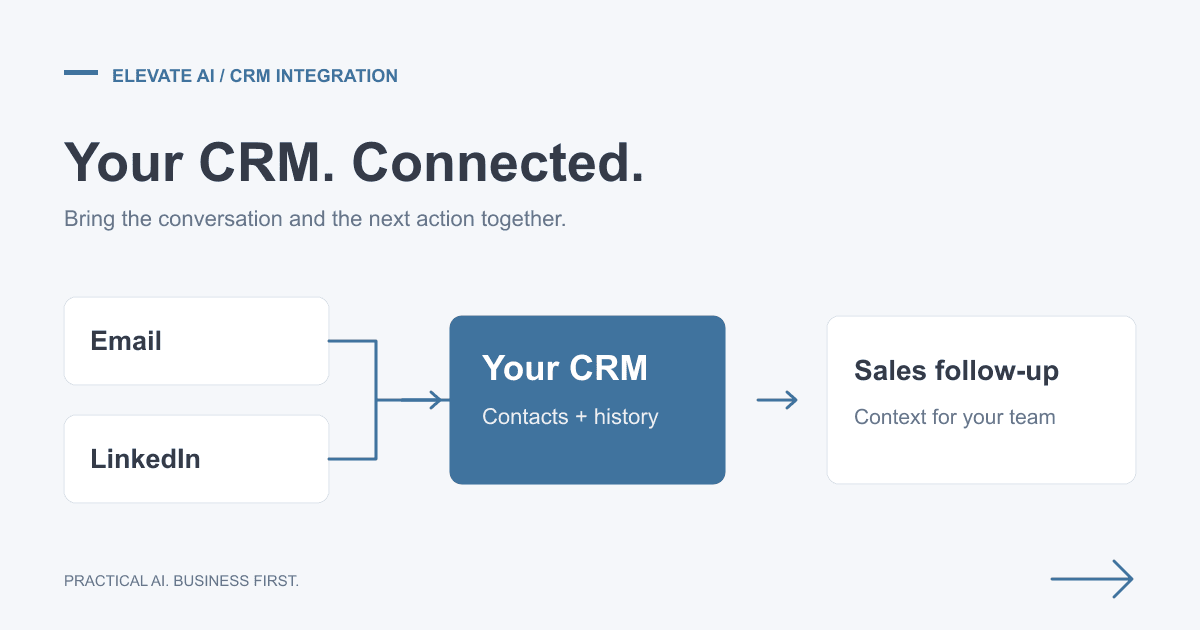
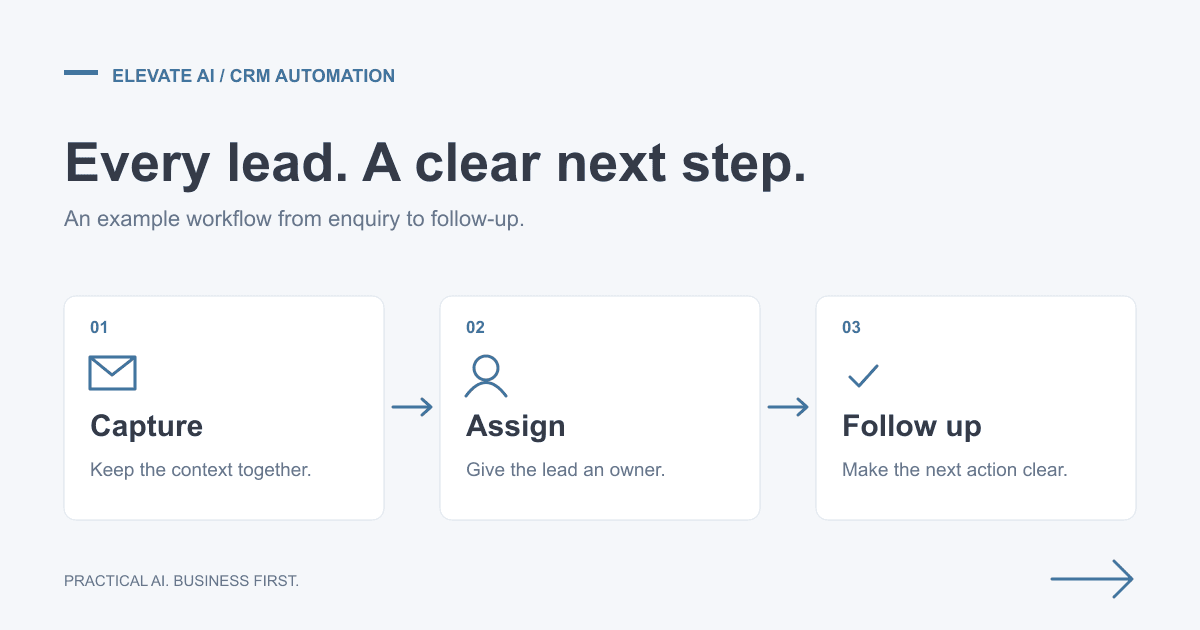
A new enquiry can be checked for duplicates, assigned by service interest and routed to an owner. An acknowledgement can explain the next step, while a task prompts appropriate follow-up. Stop rules must account for replies, opt-outs, invalid addresses and changes in the conversation.
Do not measure success solely by the number of messages sent. Check that the intended person received the enquiry, that the contact details are correct and that a useful conversation followed. Inbound enquiry handling is different from the managed Outbound Sales Engine, which develops new prospecting conversations.
Find the work worth automating
- Observe a representative period. Record task volume, active time, waiting time, rework and the systems involved.
- Find stable rules. Prioritise repeated steps with usable source data and clear exceptions.
- Check permissions and integration. Confirm that the required data and actions are available before promising an outcome.
- Define acceptance. Include accuracy, duplicate prevention, escalation and a manual fallback alongside speed.
Choose a narrow first workflow with an accountable owner. The electrical-contractor operations roadmap shows a delivered diagnostic and prioritisation exercise, not a guarantee of realised savings.
Calculate net value, not headline savings
Gross time released equals task volume multiplied by the measured reduction in handling time. Subtract maintenance, monitoring and exception handling. Multiply net hours by an appropriate loaded staff cost to estimate capacity value; that is not automatically cash saved or additional sales.
Another illustration: a task taking 30 minutes per working day uses 2.5 hours in a five-day week. At an assumed £25 per hour over 48 working weeks, the annual capacity value is £3,000 before any automation costs. State your working-week and cost assumptions explicitly. Our ROI guide expands this method.
What affects cost?
Scope depends on the number of systems, data quality, permissions, exception handling, testing and support. Ask for consulting, implementation, software usage and ongoing maintenance to be identified separately. A connector licence alone is not the cost of a reliable workflow, and this guide does not offer a universal price range or payback period.
Review our proposal-led pricing approach and the quote comparison checklist. For technology options, see n8n, Zapier and Make; the process requirements should determine the tool, not the reverse.
Plan for failure and handover
Agree alerts, retry limits, duplicate protection and who responds when a step fails. Test missing data, expired access and unavailable systems before switching over. Document how the team can recover outstanding work and when a manual process should take over.
Training, monitoring and response times should be written into the agreed scope. No platform's headline availability figure guarantees an end-to-end business process. Recheck outcomes after launch using the same definitions as the baseline, then decide whether to extend the workflow.
Explore paid AI Consulting for a prioritised, costed roadmap. A free scoping call establishes fit and scope; detailed discovery and solution design belong to the paid engagement. Implementation is agreed separately.