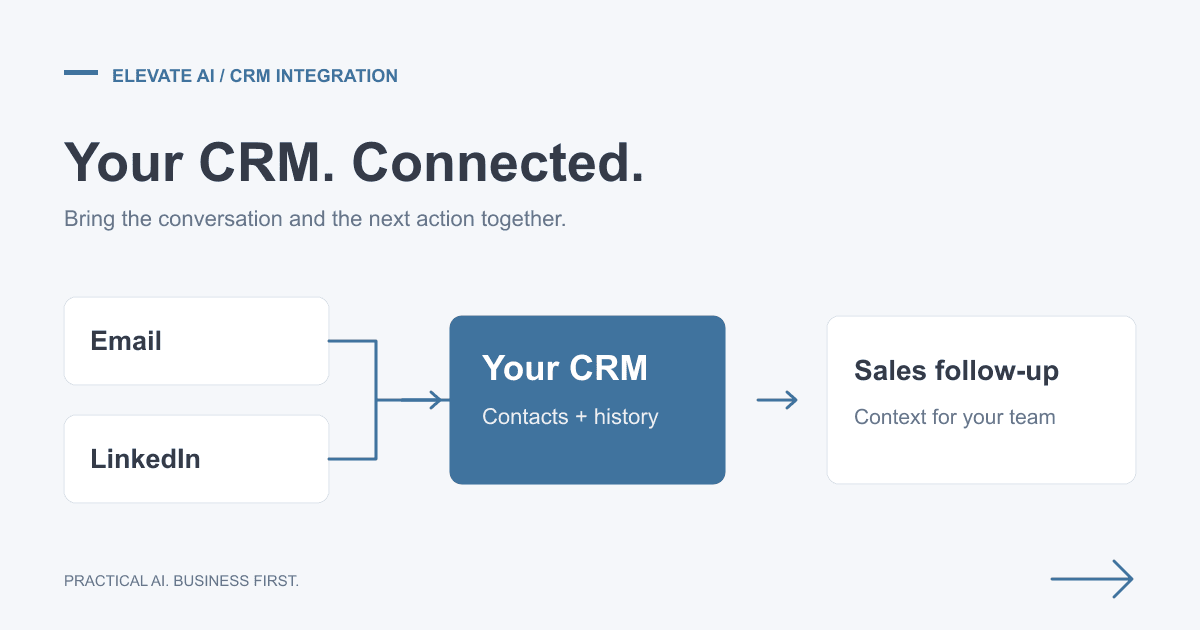
You do not need to replace your CRM to explore AI. Start with one task your team struggles to complete reliably, then check whether your existing software can already do it. The right answer may be a better workflow, a native feature or an integration, rather than a new AI system.
This guide explains how to compare those options for systems such as HubSpot, Salesforce and Zoho. It includes a decision checklist and an illustrative follow-up workflow. It does not assume a particular subscription, promise a conversion uplift or prescribe the same setup for every business.
Choose the Job Before Choosing the AI
Prioritising leads
Begin with clear qualification rules: service fit, geography, buying need and whether there is an agreed next step. Predictive scoring may help when you have enough reliable historical outcomes to evaluate it, but an incoming-lead count alone does not establish that. Compare any model with your existing rules on records it has not been trained on. Check whether it misses worthwhile opportunities, not just whether its scores look plausible.
Preparing follow-ups
AI can prepare a draft from a contact's relevant correspondence and agreed next step. Keep the source available to the reviewer, and distinguish something a prospect requested from something the business has promised. Missing information should be flagged, not invented. A person should approve commercial commitments and outgoing messages unless a separately agreed process permits otherwise.
Spotting stalled deals
A rule that flags an overdue next action may be more useful than a predicted close probability. First agree what counts as stalled and who owns the follow-up. Where forecasting is useful, test it against actual outcomes and retain uncertainty; an AI summary is not evidence that a deal will close.
Improving record quality
An integration can suggest missing fields or identify possible duplicates, but company and contact matching can be wrong. Keep the source and date of suggested changes. Do not overwrite verified details or merge records simply because an AI output appears confident.
Native CRM Features, Middleware or a Custom Integration?
Use the simplest option that meets the requirement. These are decision criteria, not a ranking by price: an upgrade, usage allowance or maintenance requirement can change the total cost.
| Approach | A good first check when | What to verify |
|---|---|---|
| Existing rules or native CRM features | The task stays mostly inside one CRM and uses fields you already maintain. | Availability in your exact subscription, required permissions, review controls and whether a rule solves the problem without AI. |
| Middleware such as Make, Zapier or n8n | The workflow connects an inbox, CRM and another business system through supported connectors. | Supported fields and actions, usage limits, duplicate handling, error alerts and who maintains the workflow. |
| Custom API integration | Required behaviour or controls cannot be delivered adequately with existing features or connectors. | API access, authentication, rate limits, testing, ongoing support and a documented recovery process. |
Write down the missing capability before commissioning a custom build. If a native feature meets the requirement, extra integration work may add little value.
What to Check in HubSpot, Salesforce and Zoho
For each platform, confirm the current feature and API entitlements in your own account. Product names, packages and usage allowances change, so do not base a purchase on a generic headline price.
- HubSpot: identify the contact, company, deal and activity records involved, the properties you need and the available workflow actions. Use the official API documentation to check the proposed integration against supported operations and access requirements.
- Salesforce: map the relevant standard and custom objects, validation rules and permissions with your administrator. The REST API guide describes programmatic data access; it does not mean every account has the same configuration or entitlements.
- Zoho CRM: check the modules, layouts, required fields and available native automation before adding another service. Use the CRM API documentation to verify the records and operations the integration needs.
An Illustrative Follow-up Workflow
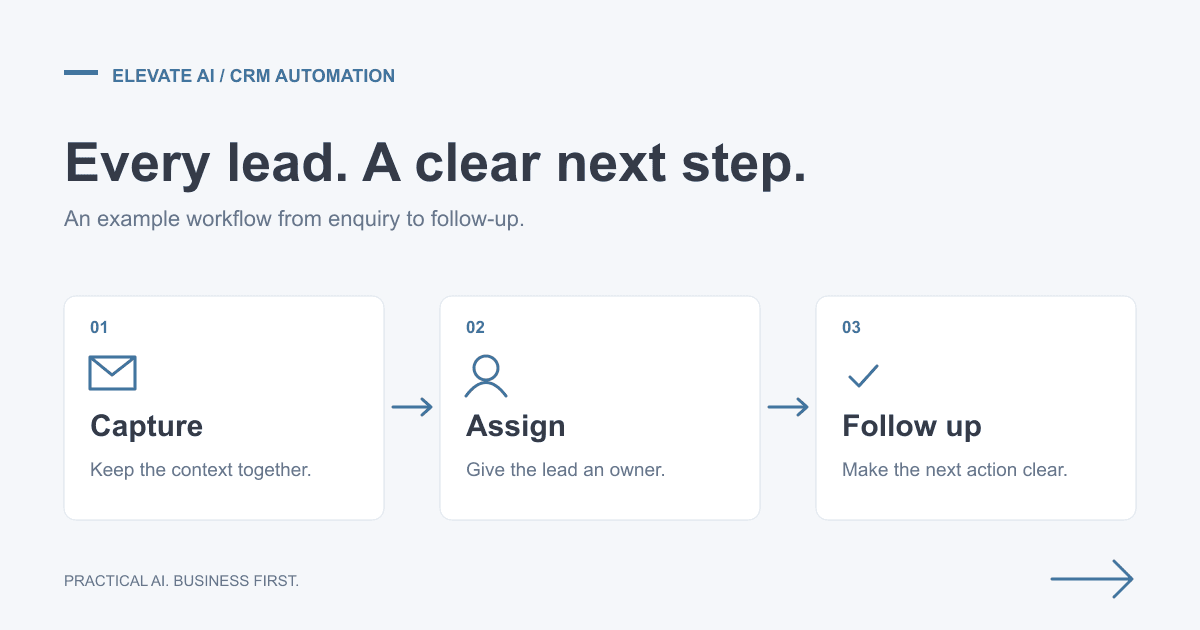
Consider a team that loses track of next steps after sales calls. This is a design example, not a claim about a client deployment or measured saving.
- Find an existing CRM contact using an agreed identifier. Put uncertain matches into a review queue instead of creating a duplicate.
- Collect the relevant call notes and latest correspondence. Check whether the promised action has already happened.
- Prepare a suggested next step and follow-up draft, with links to its supporting evidence. Leave uncertain dates, prices and commitments unresolved.
- Ask the record owner to review the suggestion. Save only approved changes to the intended fields and retain a record of what changed.
- If a source or CRM write fails, alert the owner and keep the item pending. A retry must not create a second task or repeat an email.
Measure whether useful follow-ups are completed, how much review effort remains and how often suggestions need correcting. Draft volume is not a business result.
A Practical Acceptance Checklist
Before expanding beyond a small controlled trial, agree the expected result for representative cases:
- Data quality: incomplete records, stale correspondence and ambiguous contact matches are handled explicitly.
- Accuracy: summaries and suggested actions match the source; unsupported commitments are not added.
- Permissions: the integration can access only the records and actions it needs. Confirm which providers receive data and the applicable retention arrangements.
- Writes and recovery: retries, duplicate events, expired access and unavailable services do not silently lose work or repeat an action. Preserve existing records and a way to reverse changes.
- Ownership: a named person receives failure alerts, reviews exceptions and maintains the workflow when business processes change.
- Business value: compare review effort, missed follow-ups and error rates with a recorded baseline. Assess conversion separately over a suitable period; do not assume a fixed uplift.
How to Scope the Cost
Ask for a breakdown of discovery, data preparation, implementation, testing and ongoing support. Recurring costs may include CRM subscription changes, connector usage, AI processing and hosting. Estimate normal and peak volumes, including retries and human review.
The main scope drivers are the number of systems, record quality, custom fields, access restrictions, approval steps and reliability requirements. A proposal should state what is included, who owns the accounts and workflow, and how changes or incidents are handled. There is no universal setup price or delivery timeline for this work.
Use our implementation cost guide and ROI worksheet guidance to structure the decision, rather than treating an illustrative estimate as a quote.
Getting Started
Bring one troublesome workflow, your current CRM and the outcome you want to improve to a free scoping call. The call establishes fit and scope. Detailed discovery, option assessment and a costed roadmap are part of paid AI Consulting; implementation is agreed separately.
See the consulting engagement brief, fictional roadmap sample and operations roadmap case study for the kind of decision support involved. The right recommendation may be a process change or an existing feature, not a new build.
If your priority is finding and contacting new prospects rather than improving existing CRM workflows, explore the separately scoped Outbound Sales Engine. For integration-platform trade-offs, read our comparison of n8n, Zapier and Make.